Build your first bot
Turn an idea into a saved, checked bot, connect an account, and try the published result.
From an idea to a working bot
Describe your goal. BOTS SI writes the project, checks it, and explains the result. Your workspace keeps code, conversations, connections, and publication together.
Start with one job: an FAQ helper, task list, or event guide. Add more after it works.
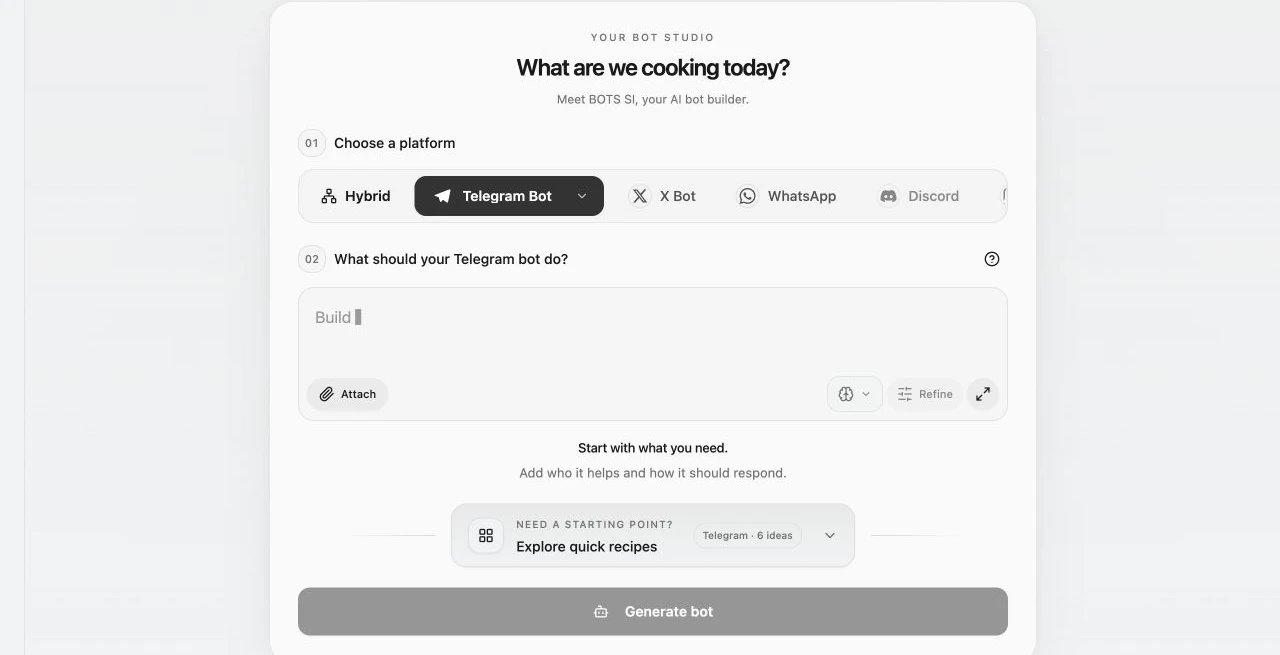
A first Telegram support bot
- Sign in and choose Telegram, then the Bot experience.
- Request: “Answer from my business FAQ, admit missing information, and offer my support contact. Only the owner can change business information.” Attach your public FAQ.
- Review the request and billing information, submit once, and follow the build.
- Read the result and checks. Use the suggested review or repair action if needed.
- In Config, create a Telegram bot or connect one you own. The first eligible validated version may begin publishing after connection.
- Follow publishing in Overview or Deploy. Open Telegram and test a known question, an unknown question, and owner-only setup.
What counts as finished
Build checks, account connection, and publication are separate milestones. Confirm success by using the published bot from a normal customer account, then make your next improvement as a focused follow-up.